It’s a common joke in some circles about users using their PlayStation, Xbox, Nintendo DS & Switch consoles to access websites. This usually stems from those devices being particular about the types of websites they can visit, usually because the integrated browsers are either not intended for general use, or they are outdated. Thus, when a website makes changes to move to modern security standards, such as enforcing later TLS versions or deprecating certain cipher suites, they may hear from users of these devices that they can no longer access the site.
This isn’t without reason – for some, methods such as this may be their only unfiltered way of accessing the internet, which in some cases is understandable. In this spirit, I decided to investigate the capabilities of the Nintendo DSi browser as of March 2024.
For my testing, I am using a DSi running system software 1.4.5U. It is homebrewed and running Twilight Menu, but should have no bearing on the results.
If you’re not interested in the technical details of the DSi’s TLS/SSL capabilities, you can skip to the “Actually Browsing” section.
Connecting to Wifi
Before actually getting into the DSi Browser, we need to of course connect it to the network. For most networks, this probably will work without hiccups, however I ran into a couple issues with my network because I’m extra. My primary SSID uses WPA2 Enterprise authentication. Surprisingly, this did show up when searching for access points:
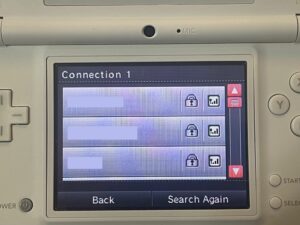
However, selecting it, I am told that I need to use Advanced Setup. Okay, let’s try that.
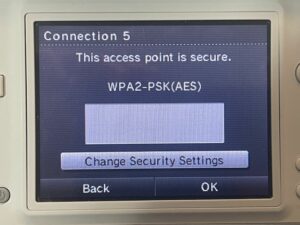
Er, okay. So it doesn’t seem to actually read what authentication is used by the SSID, and of course there is no option to use WPA2 Enterprise (I wouldn’t expect it — the Switch can’t even do it). So, I move on to my Guest SSID, which is WPA2 PSK. Except, there’s a problem. That PSK has an apostrophe in it. Guess what is not present on the DSi keyboard in this menu?
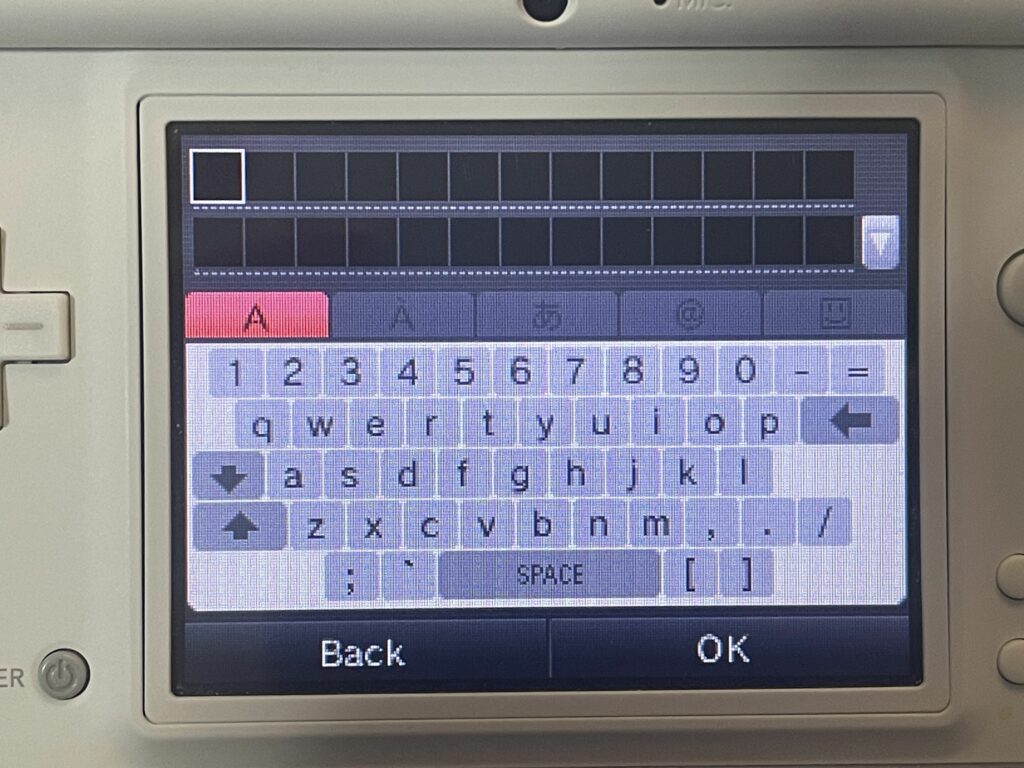
And yes, I went in every variation of Shift or otherwise. Backtick is there, but not an apostrophe! Wonderful. Thankfully, I have a 3rd isolated SSID I can try which does not have an apostrophe in the PSK.
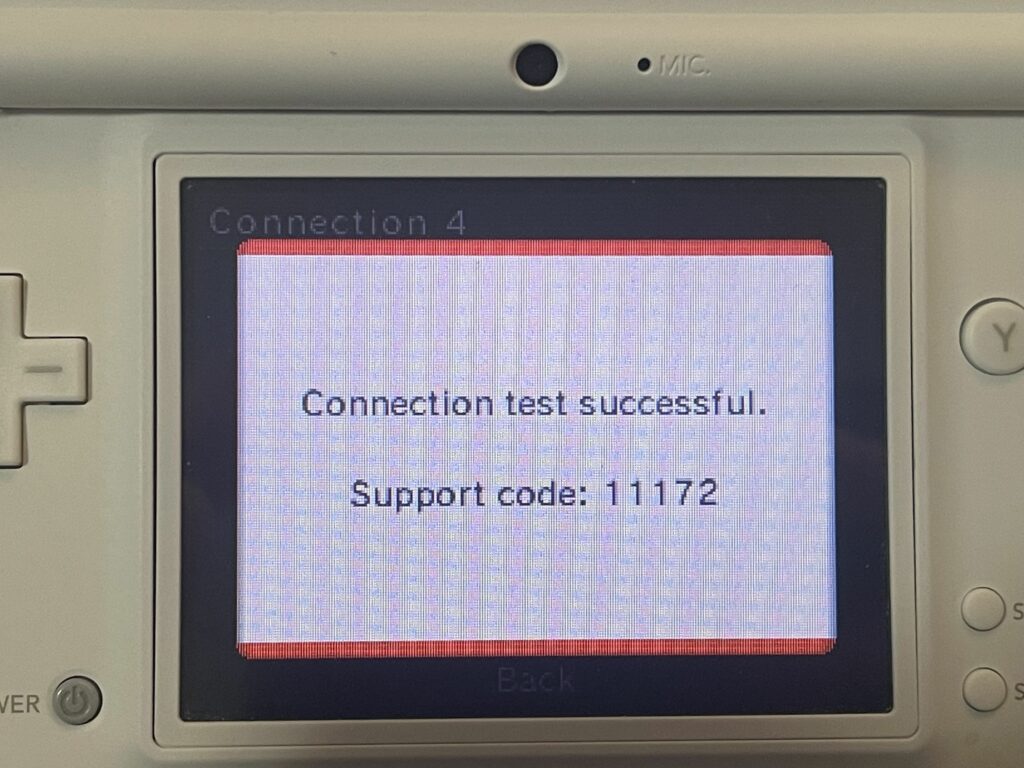
And it works! Now we can fire up the DSi Browser. Upon doing that, the DSi actually connects to the network:
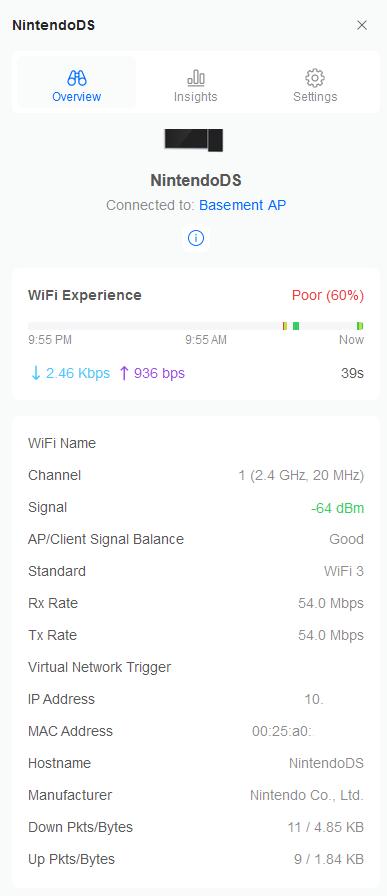
Now we can start getting some baseline information about the browser.
Browser Information
According to the Version Information inside the browser, it’s version 9.50 (Build 483), and it shows the User-Agent (called “Browser Identification”) as Opera/9.50 (Nintendo DSi; Opera/483; U; en-US):
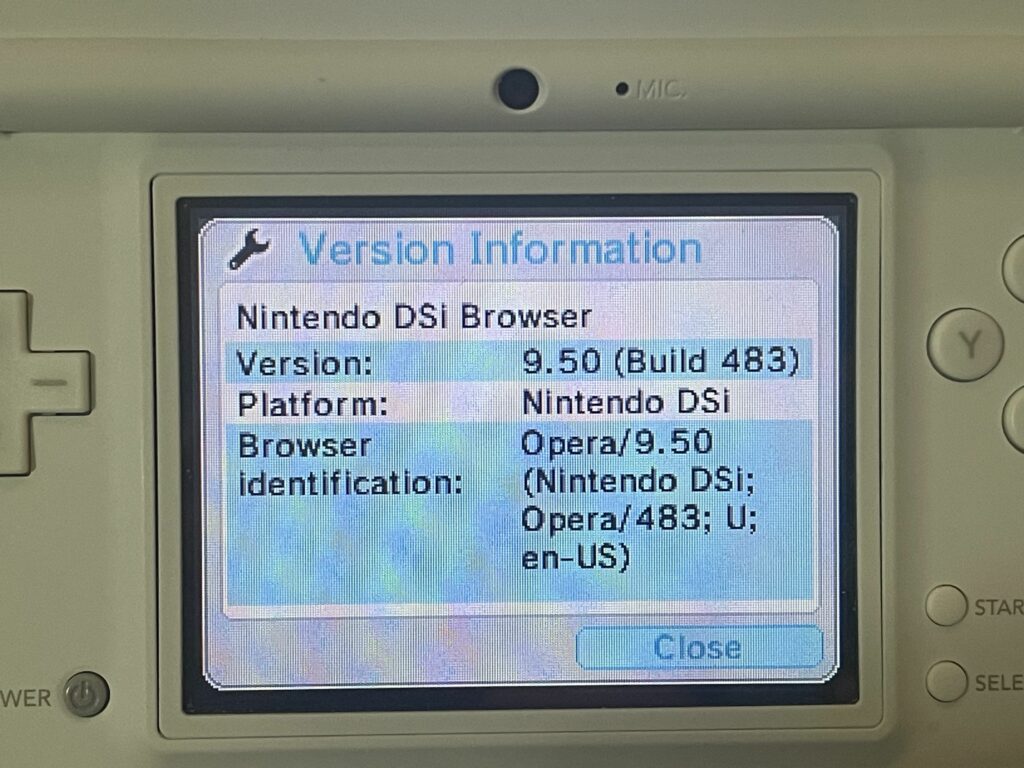
Since it is based on Opera version 9.5, it is using the Presto rendering engine, specifically Presto 2.1. Interestingly, it doesn’t appear to make any reference to the actual software version that is referenced around the internet. I’ve seen references to “Rev 3” and “3.0.4”, but I don’t see this mentioned anywhere in the software itself.
Now, let’s try to get a sense of what this thing actually supports in terms of security, because that is going to be a major limiting factor on the modern web. A Qualys SSL Labs Client Test should reveal what we need to know. It’s there that we see our first sign of problems:
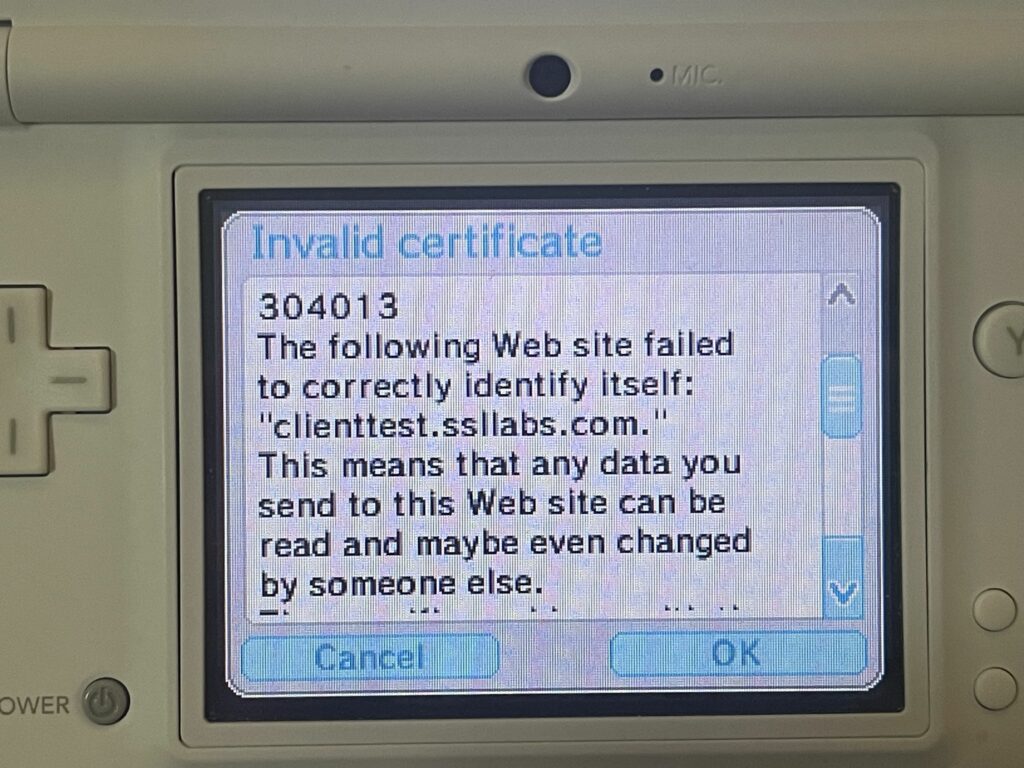
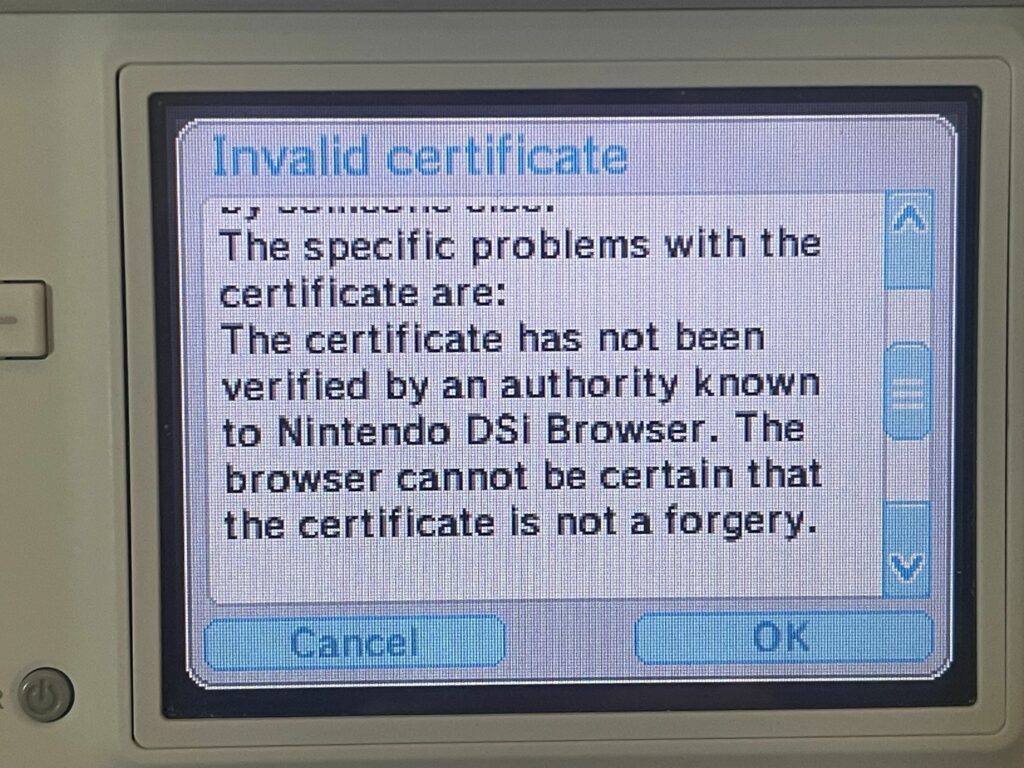
The DSi claims that the certificate authority is not known to it. I would expect this to be a fairly common occurrence, especially with the prevalence of certificate authorities such as Let’s Encrypt. Their ISRG Root X1 was issued in 2015. Compare that to the DSi Browser which released in NA in April of 2009. In theory, it might have stood a chance if the DSi included DST Root CA X3 (which ISRG Root X1 was cross-signed from for a while) since that root certificate was issued in 2000. Unfortunately, that certificate expired back in 2021, so it’s moot at this point.
But, tangent aside, there’s something interesting, and that’s the fact that SSL Labs is actually using a DigiCert certificate. The root certificate in question was issued back in 2006:
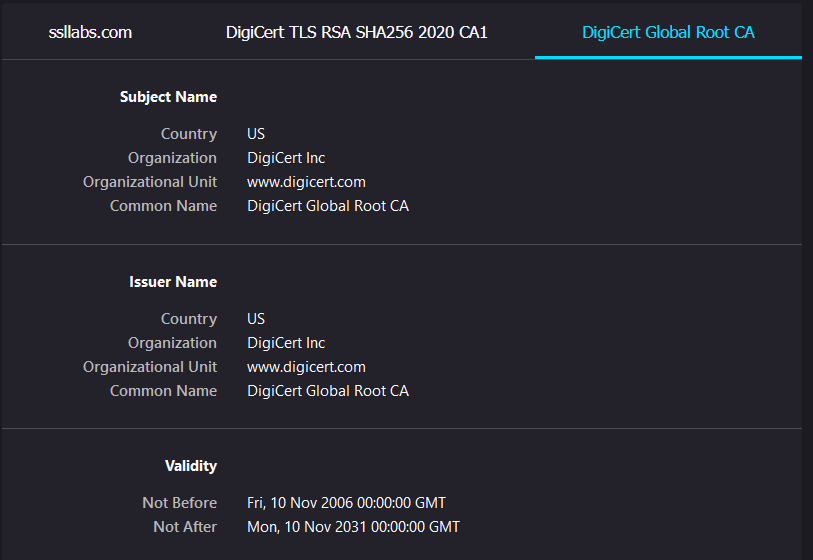
In theory, that would have been early enough to have been included, but since approximately 2.96% of Android devices still don’t have the ISRG Root X1 root certificate nearly 9 years after its issuance, maybe that’s asking too much.
“We took a look at the data ourselves and found that, from all Android requests, 2.96% of them come from devices that will be affected by the change.”
— Cloudflare
Anyway, all of this is a lot, but in the end, it really doesn’t matter. The DSi Browser is super lax about certificates and will let you continue to connect anyway by hitting “OK”. We do that a couple times, and we can get our test results:
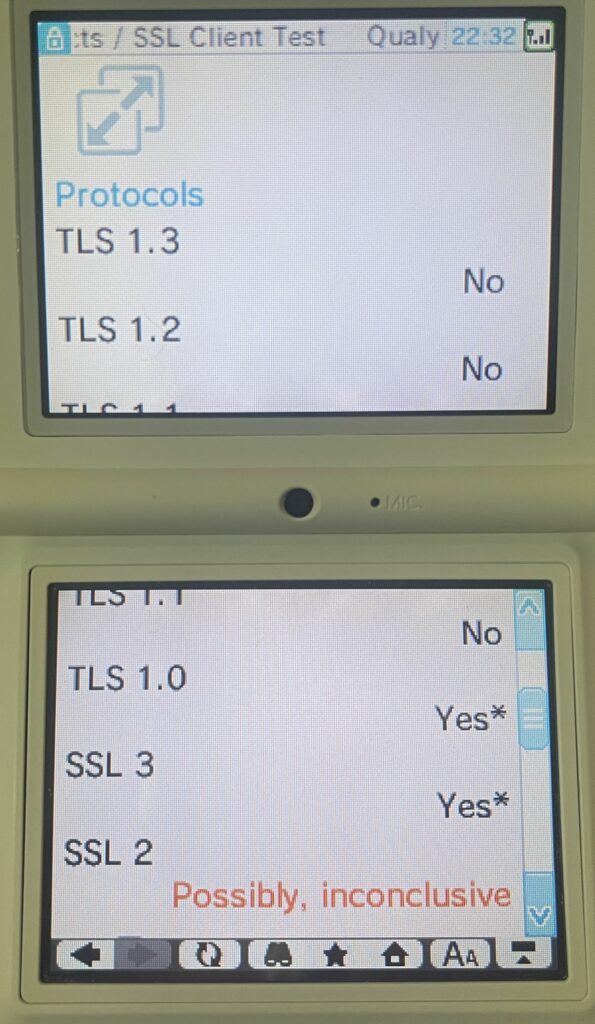
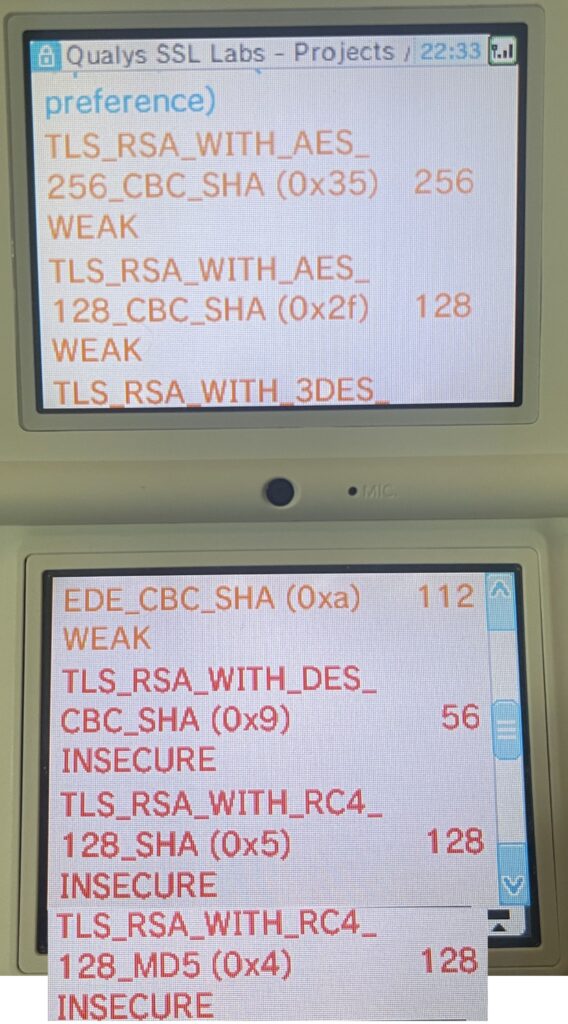
Interestingly, the vulnerability section of the test, which is visible on a normal browser, does not seem to run on the DSi. Perhaps it relies on some JavaScript or external libraries that can’t be fetched. But, we can still see the protocol details which is most important. Obviously, it doesn’t support anything modern such as TLS 1.3 or 1.2. SSL Labs is inconclusive on whether it supports SSL 2, but it’ll do SSL 3 (🤮). In fairness, it does do TLS 1.0, which is often available on sites using Cloudflare (it is the default minimum version), and it has two ciphers that are also found on a Cloudflare enabled server. That’s good for us!
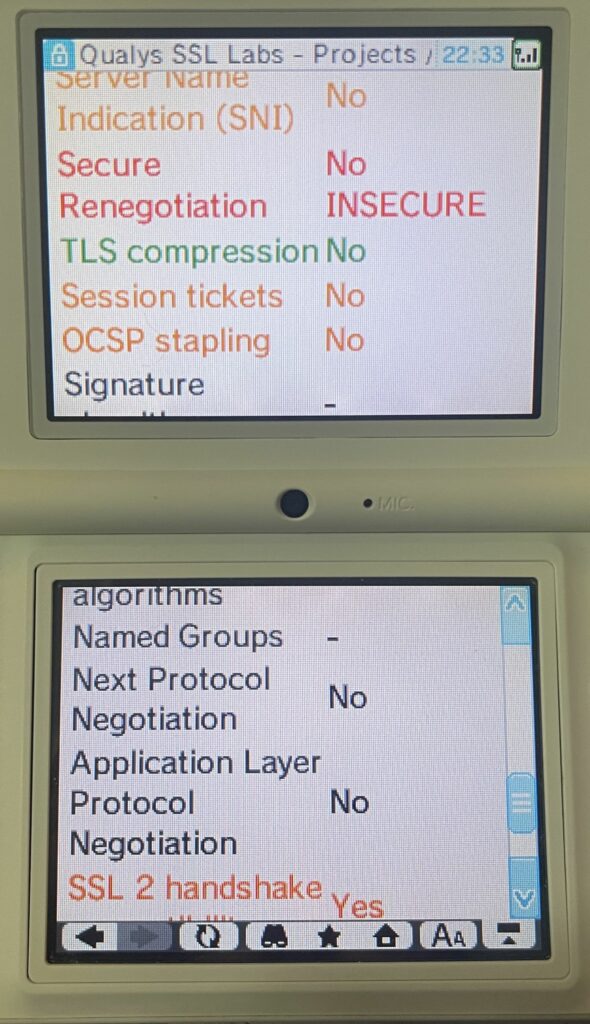
What’s very, very bad for us, is found in the last section of the test. The DSi Browser does not support Server Name Indication (SNI)… this is horrible news, because any site behind a large CDN such as Cloudflare is going to require it, and any server which has more than one site on it is going to need it to work properly as well. This is going to limit us a lot… Interestingly, servers that do not support SNI seem to simply result in a “Network problem” error, rather a more specific error. This makes some sense considering the initial SSL/TLS connection would just fail.
There’s other things to note, such as insecure cipher suites and lack of Secure Renegotiation, but these are less important for getting us connected to websites, and more “why you shouldn’t put anything sensitive into the DSi Browser”.
Actually Browsing
Search Engines
Now we can get into the good stuff — actually trying to go to some websites with this thing. The most obvious choice in most people’s mind will be a search engine. Let’s try Google, Bing & DuckDuckGo.
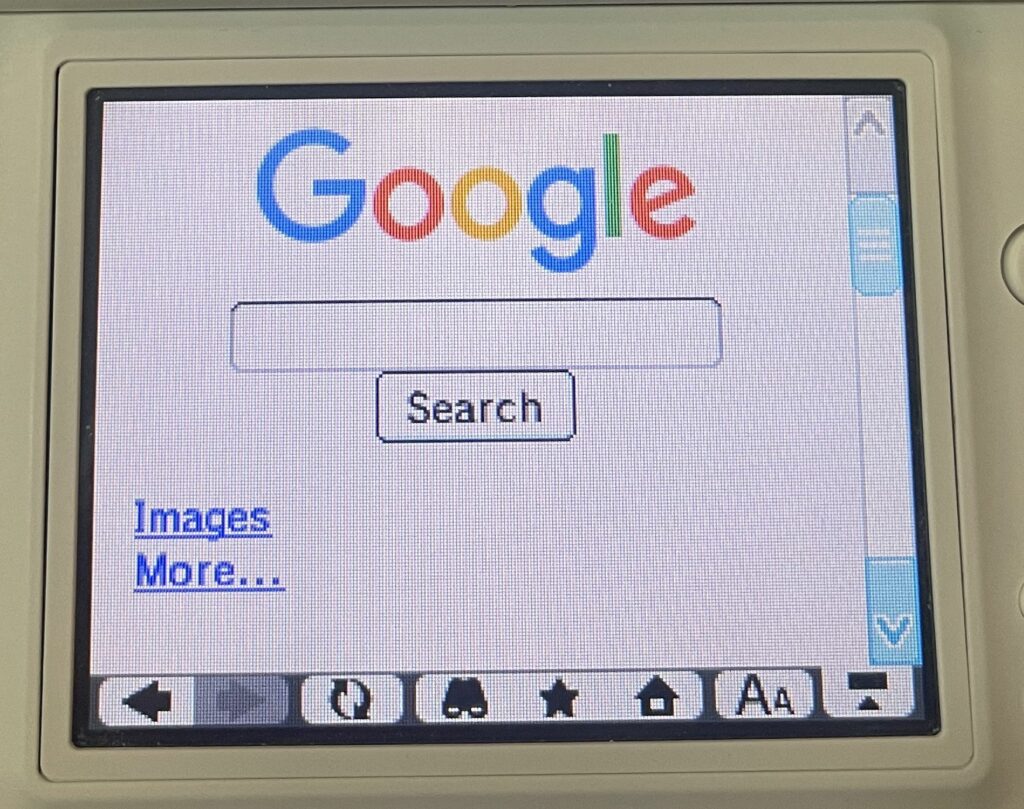
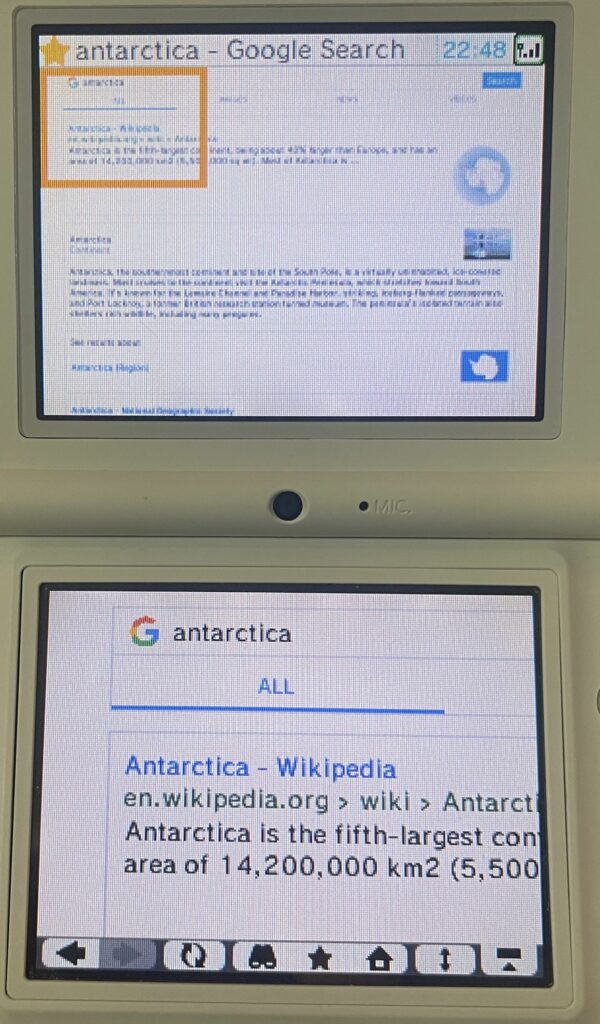
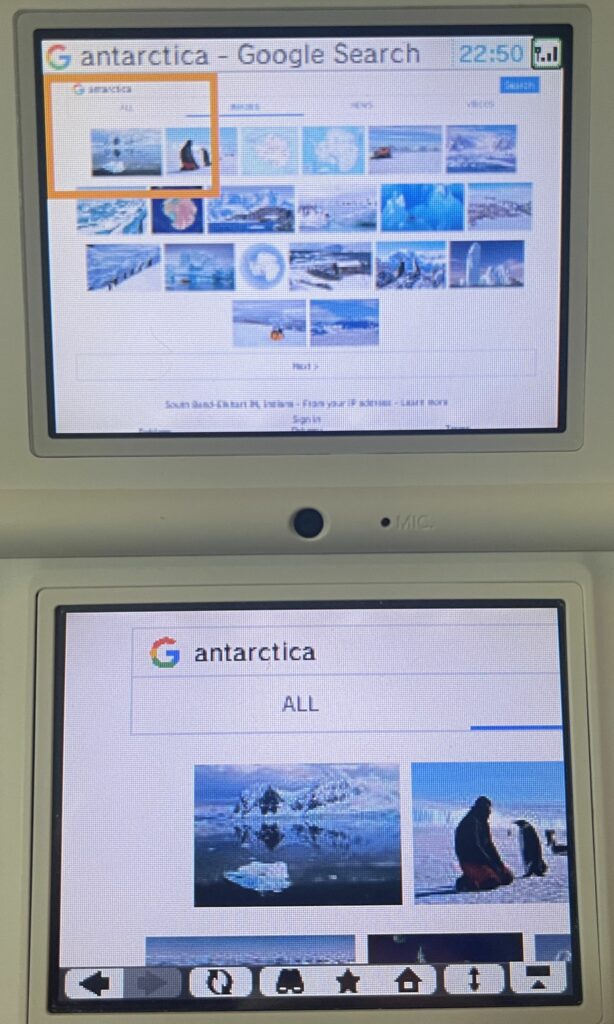
After bypassing some cert errors (because Google uses their own Google Trust Services root certificate, issued in 2016), Google actually works and is quite usable for regular search results. The images page will load, but good luck trying to get a full image to load since most servers are not compatible.
Bing
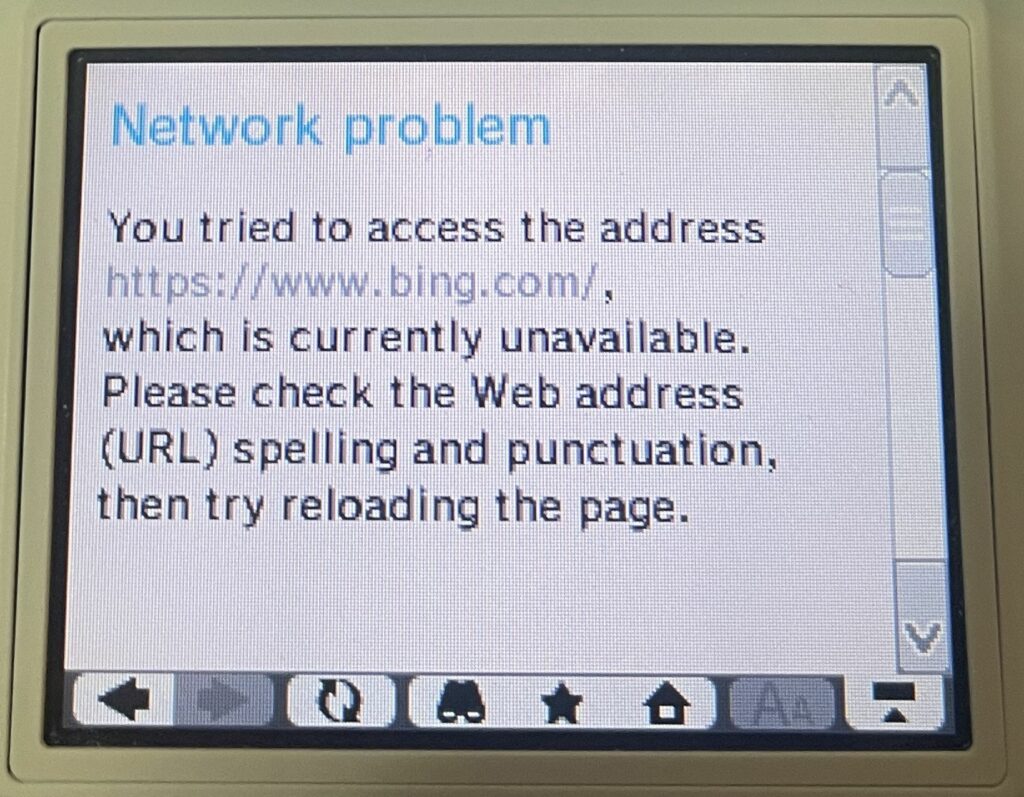
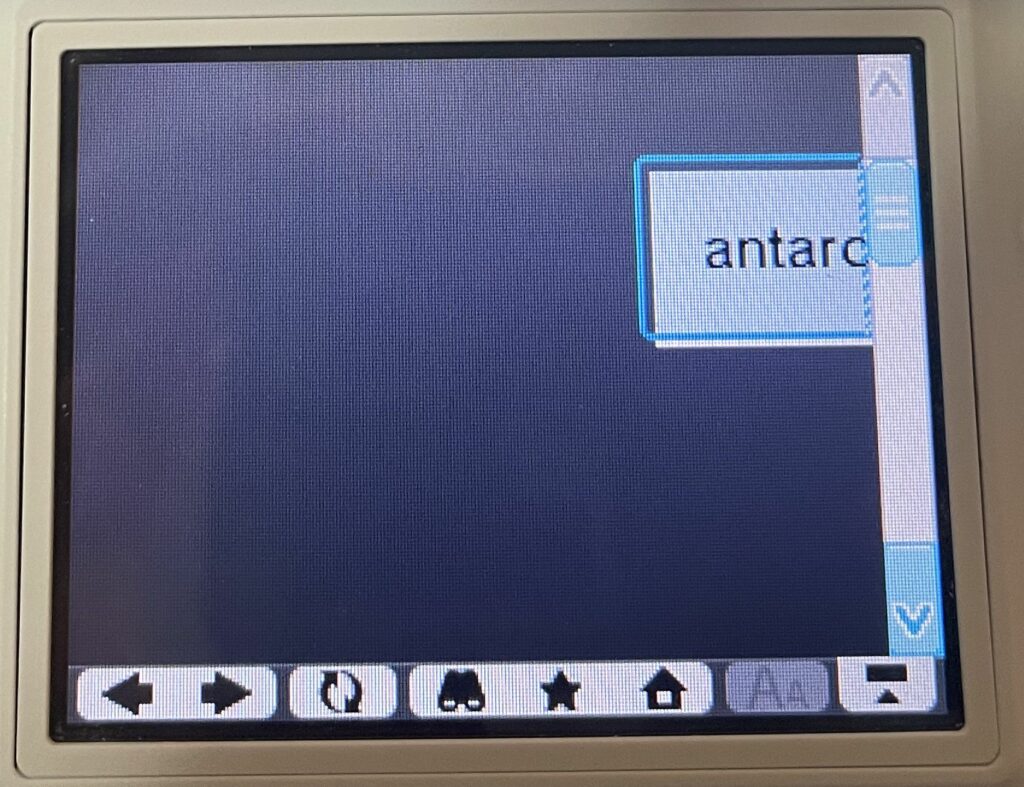
Bing does not work over HTTPS at all as they require a minimum of TLS 1.2. They do support regular HTTP connections, but it is entirely broken on the DSi. There is just a floating text box, which is presumably the search field, but entering anything into it just results in the same page. 🙁
DuckDuckGo
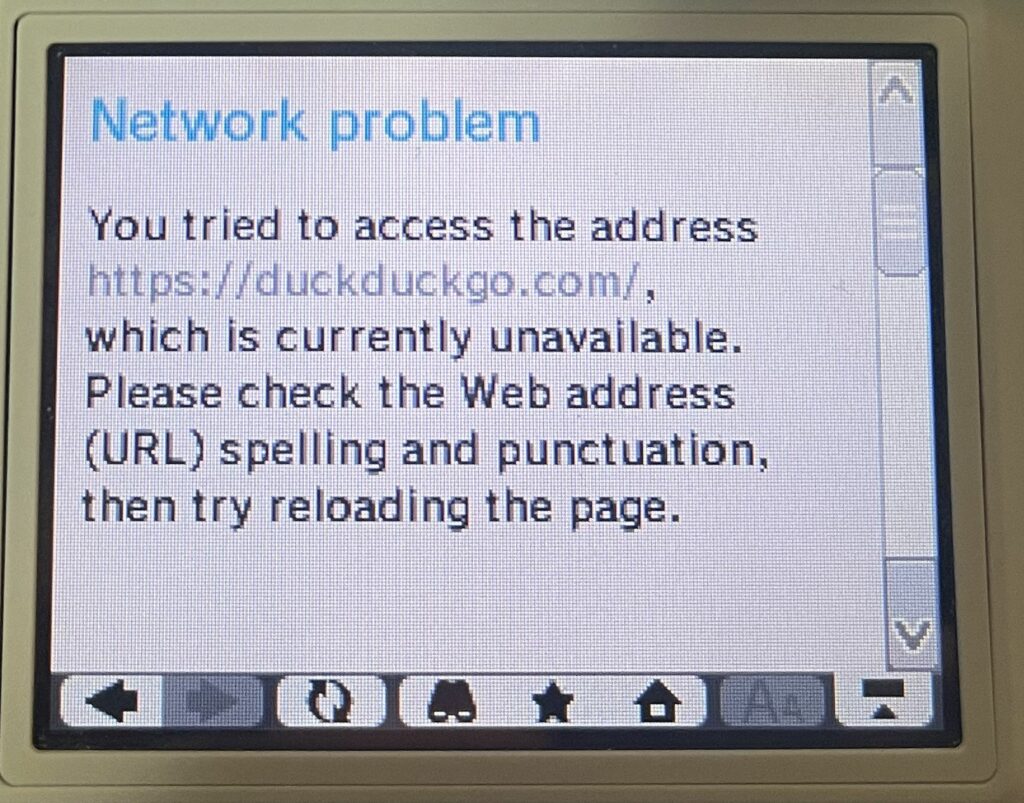
DuckDuckGo does not load at all as they require a minimum of TLS 1.2, and regular HTTP connections are redirected to HTTPS. Since they are a privacy focused search engine, this makes sense. Good for them. However, this means DDG is a no go on our DSi 🙁
Social Media
To save some time, I’m going to only expand on sites that give something from here on out. I’ll recap those that did not work at all.
Facebook/Instagram
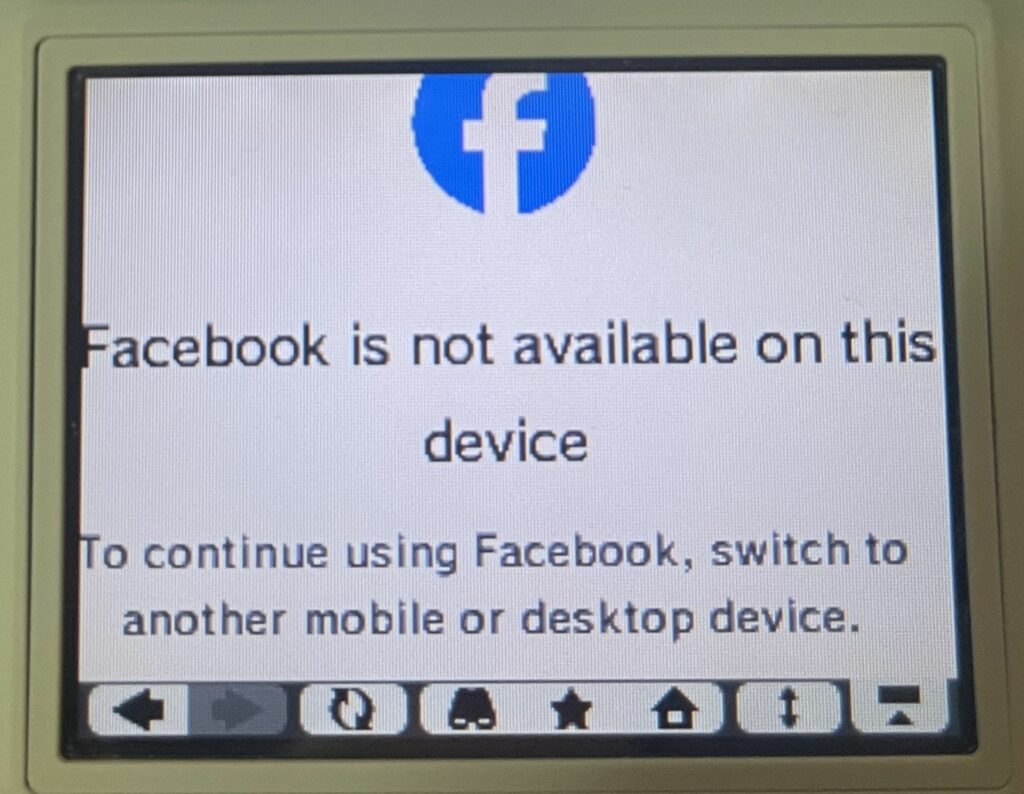
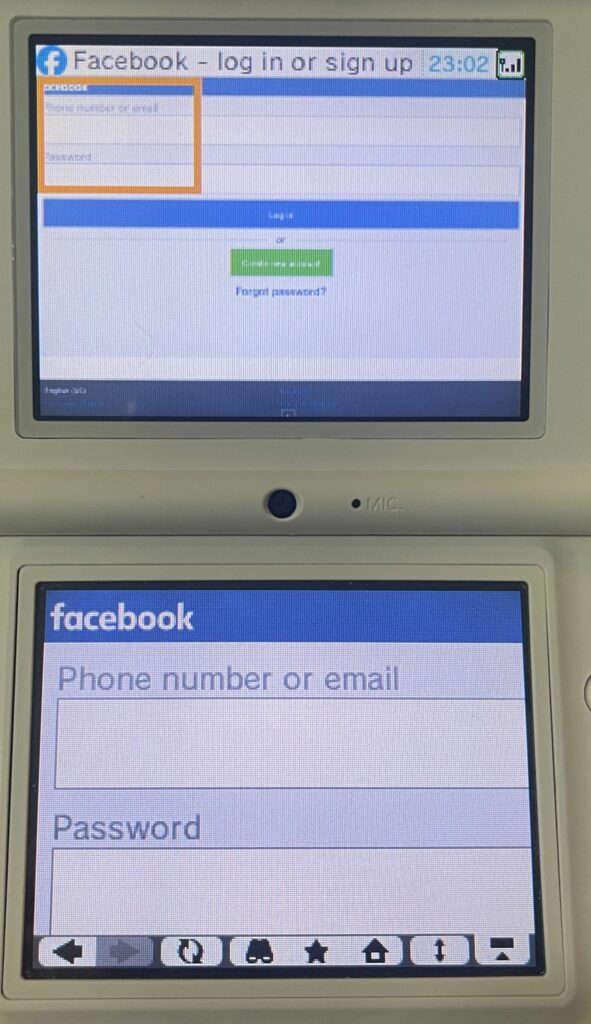
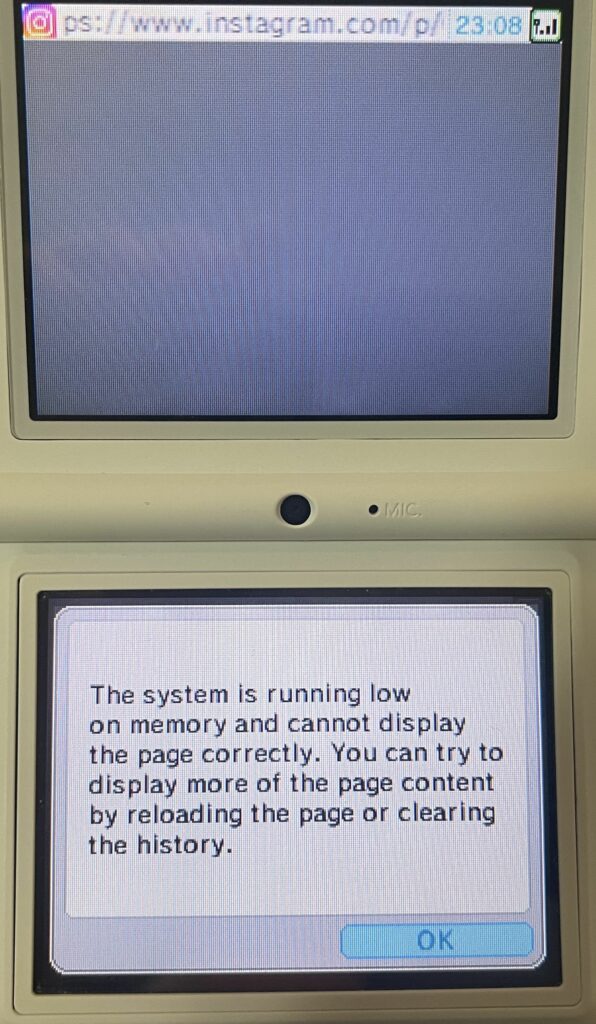
Facebook does load a login page over HTTPS after bypassing cert errors! However, I wasn’t about to sign into my account on the DSi. Trying some public posts, I found that I only ever got the “Facebook is not available on this device” message, so that suggests there is something used in modern FB that the DSi does not support.
We’re able to connect to Instagram, but it never displays anything because it quickly uses up the available memory on the DSi.
YouTube
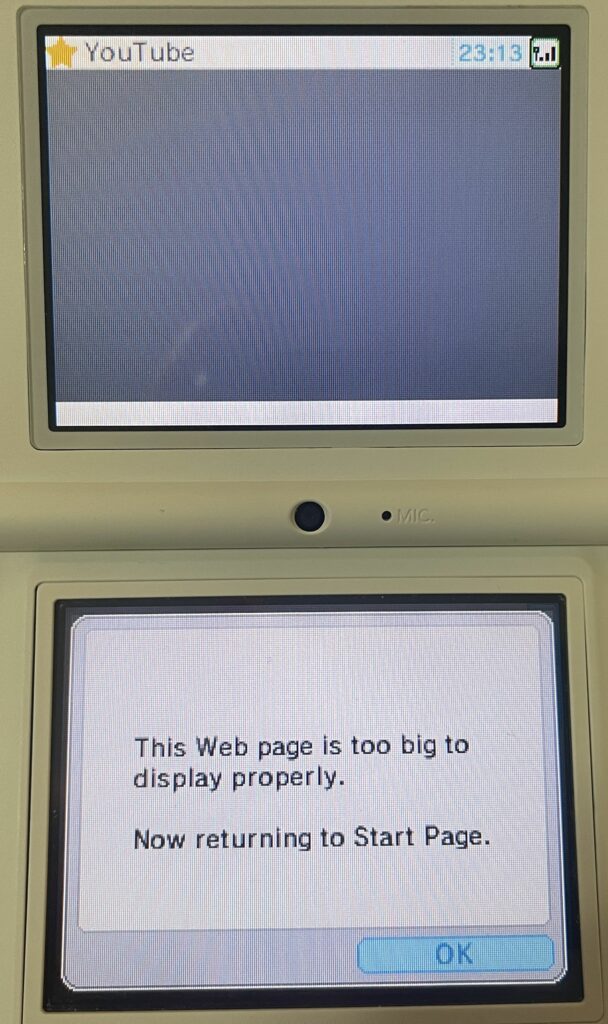
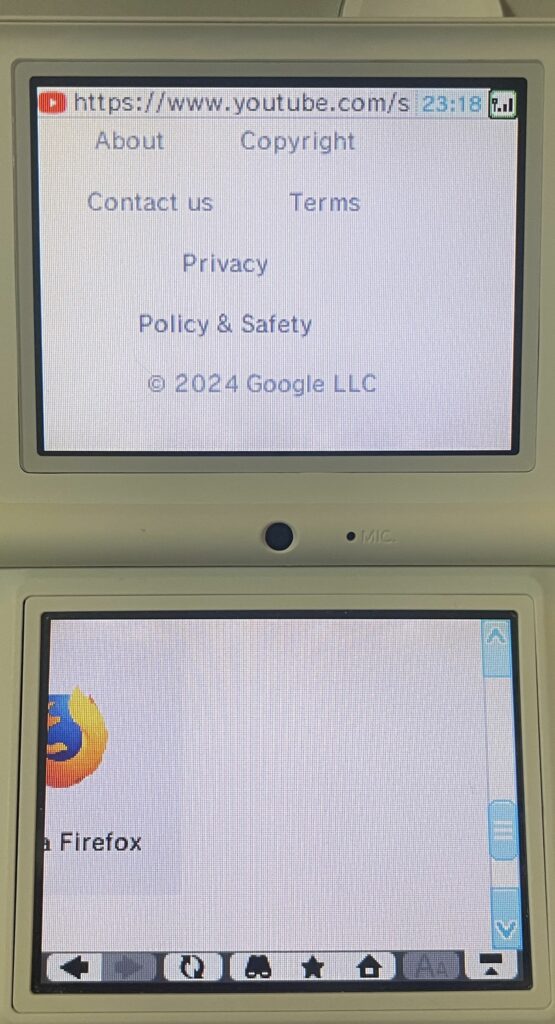
After cert errors, YouTube tries to work, but the home page is not usable. It focuses the browser on what I assume is the search box, but typing anything or cancelling it out both result in the page too big error message. Channel pages result in an out of memory error. Going directly to a /watch page gives you what is supposed to be the unsupported browser message, but it doesn’t display properly.
Failed Social Media
Redirected to HTTPS & failed due to TLS 1.2 requirement:
- Tumblr
Failed in other ways:
- Pinterest – The base domain sends the browser into a permanent redirect loop for some reason.
www.fails successfully at redirecting to HTTPS. I’m not entirely sure why because it purportedly supports TLS 1.0 and seems to return the correct certificate without SNI.
Misc. Sites
Archive of Our Own
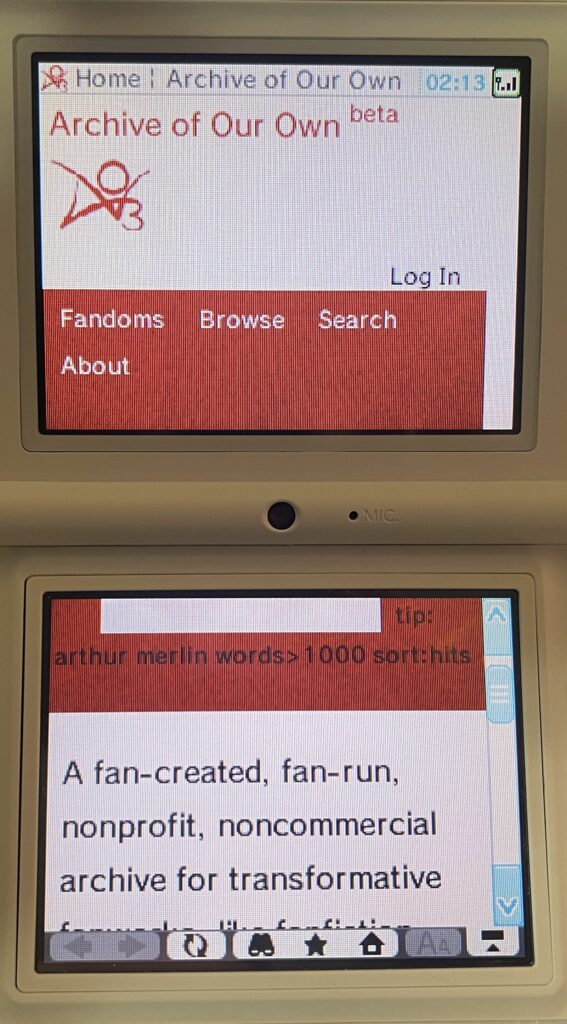
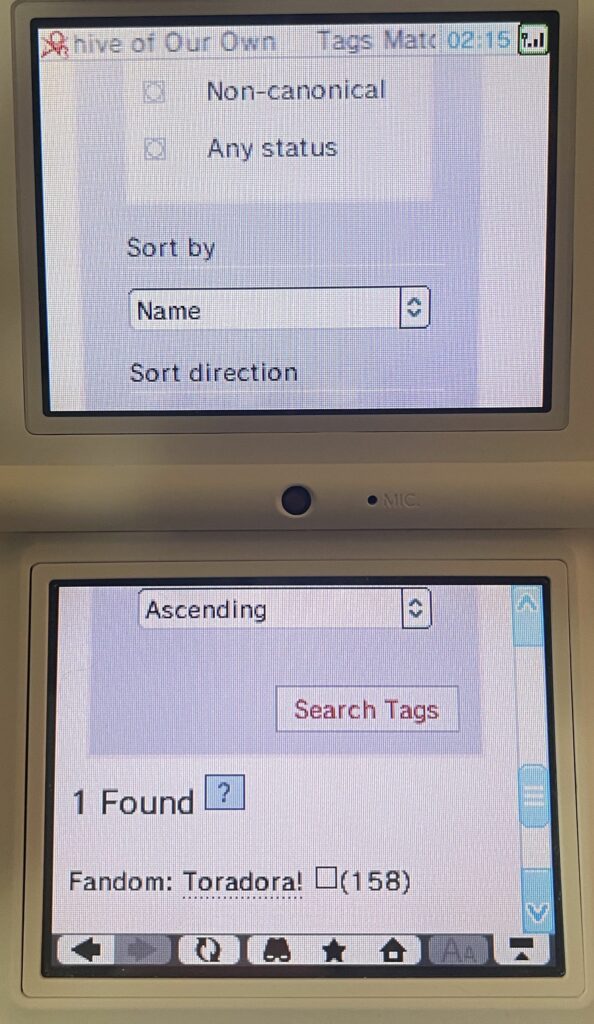
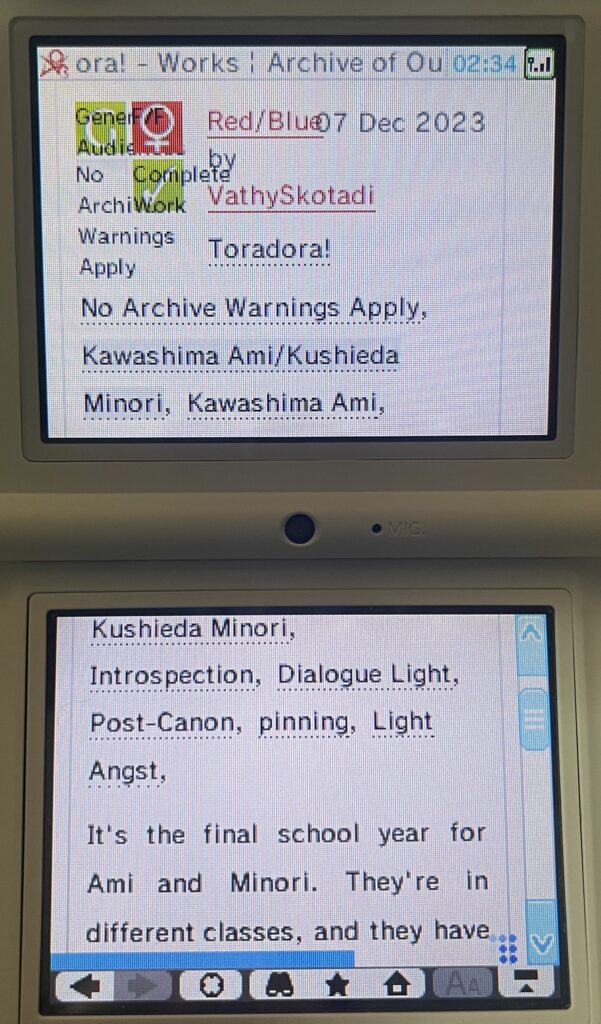
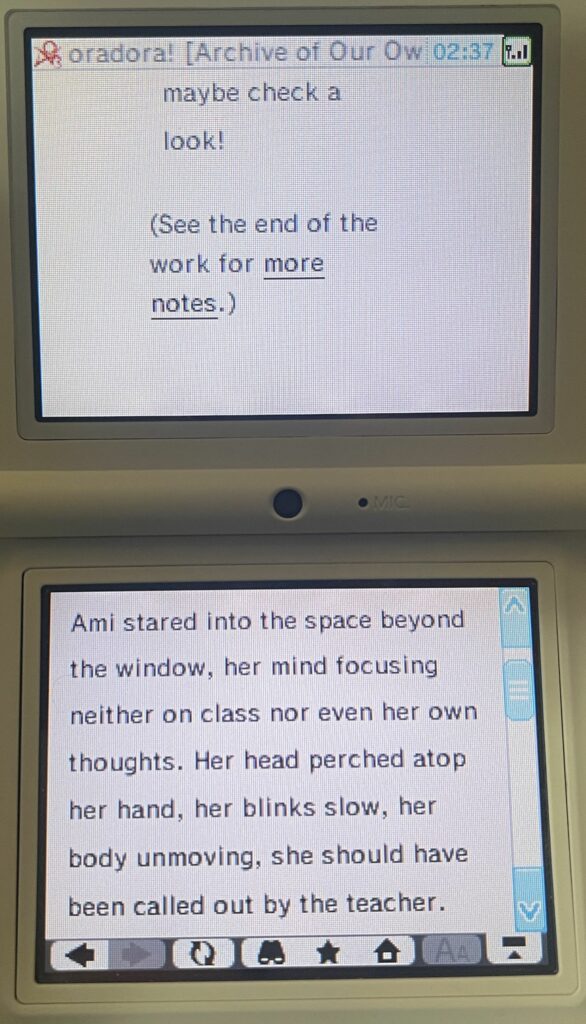
The Archive actually works after cert errors! It’s not perfect by any means, but the site is navigable with patience. At a minimum, I was able to run a tag search to get to a fandom tag page, view the works associated with that tag, and actually open works. You won’t be able to use filtering very well, though. Only the search pages from the navbar function properly, and since the autocomplete doesn’t work, tags have to be typed exactly as they are defined in the work search.
Amazon
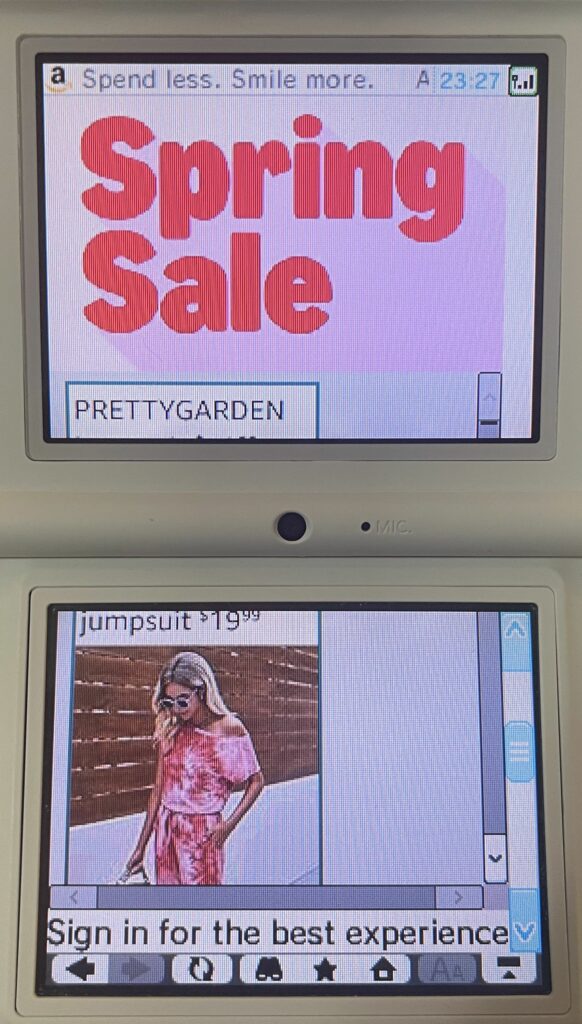
After cert errors, Amazon kind of tries to work, and the home page does “finish” loading, but it’s missing most of the usable navigation. Trying to load that jumpsuit ad results in a “page is too big” error. Trying to search for anything results in an out of memory error.
Google Docs
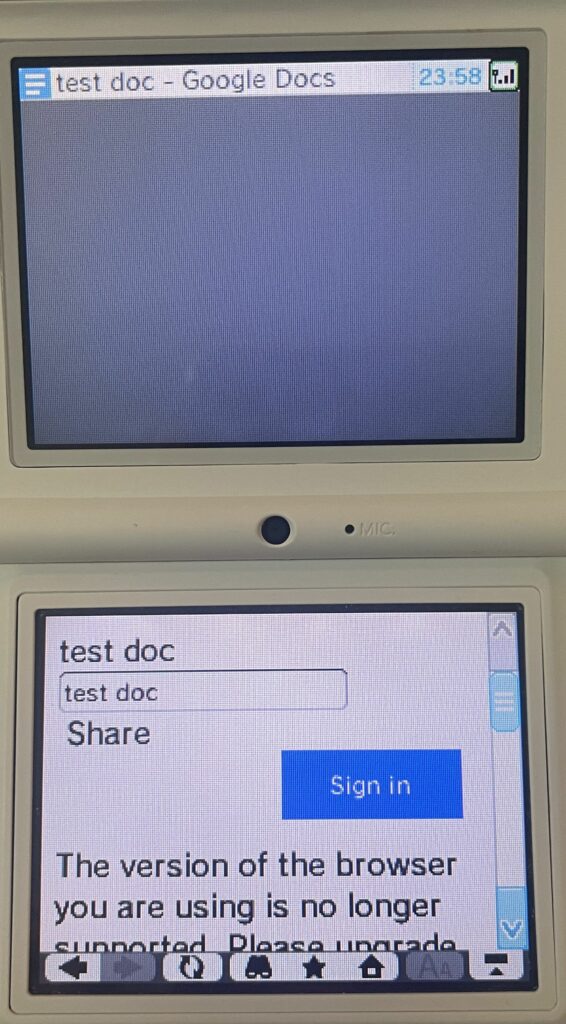
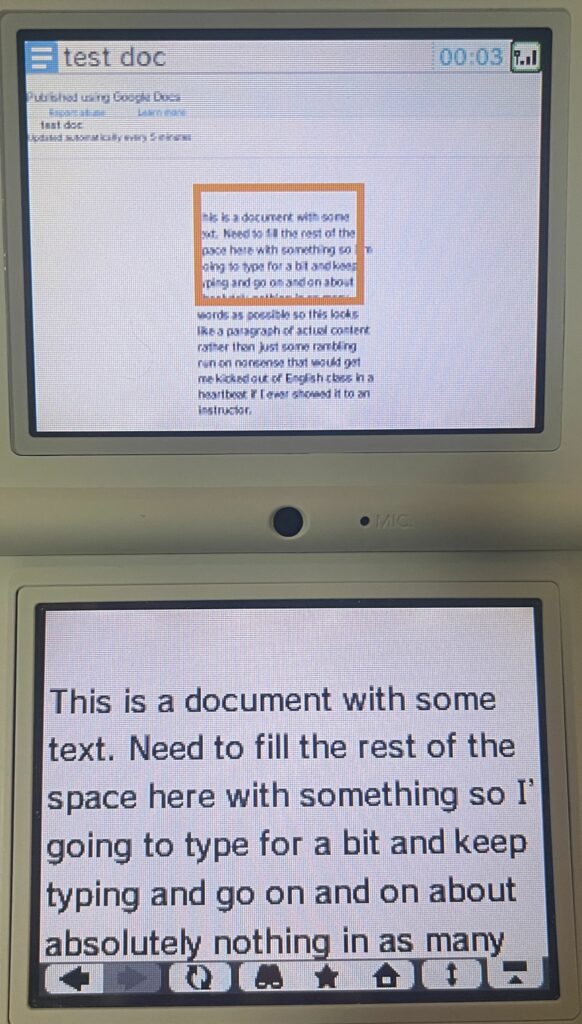
Again, I wasn’t about to sign into my Google account on this thing, but I tried a Google Docs sharing link. The sharing link did not work and gave the unsupported browser message. However, a published Google Doc link did actually work and, at least in a short document, was readable in full.
Failed Misc Sites
Redirected to HTTPS & failed due to TLS 1.2 requirement:
- Atlassian Statuspage status pages (such as cloudflarestatus.com)
- Ars Technica
- Ebay
- Etsy
- StackOverflow
- Wattpad
- Wikipedia
Failed due to SNI requirement:
- Fanfiction.net (would also run into issues due to their aggressive Cloudflare configuration)
- Fanlore
Some Light Experimentation
I also ran some light experimentation against a VM on my network running nginx. I didn’t bother setting up HTTPS since we’ve pretty much established the limitations of that so far. I also had to degrade network security briefly since the DSi was on an isolated SSID ;P
File Formats
I know a lot of these are probably “no duh”, obviously the browser won’t support formats from past its time, but I mainly just wanted to see if it would do anything weird. I also wanted to validate the claim from the official Nintendo support page that it “does not support audio and video files”.
The following formats did work with a converted test image:
- .bmp (slowly)
- .jpg
- .png
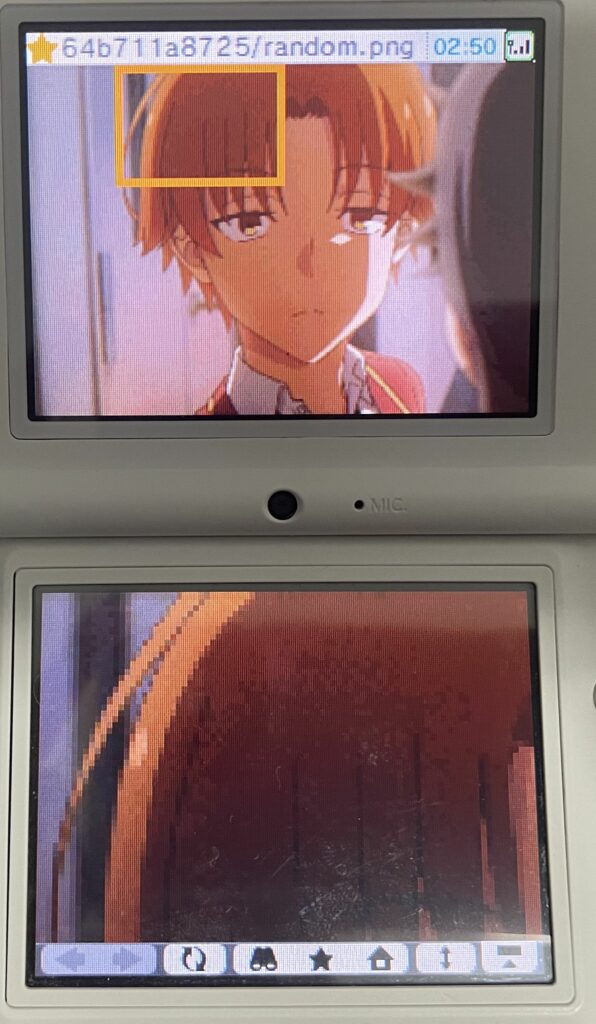
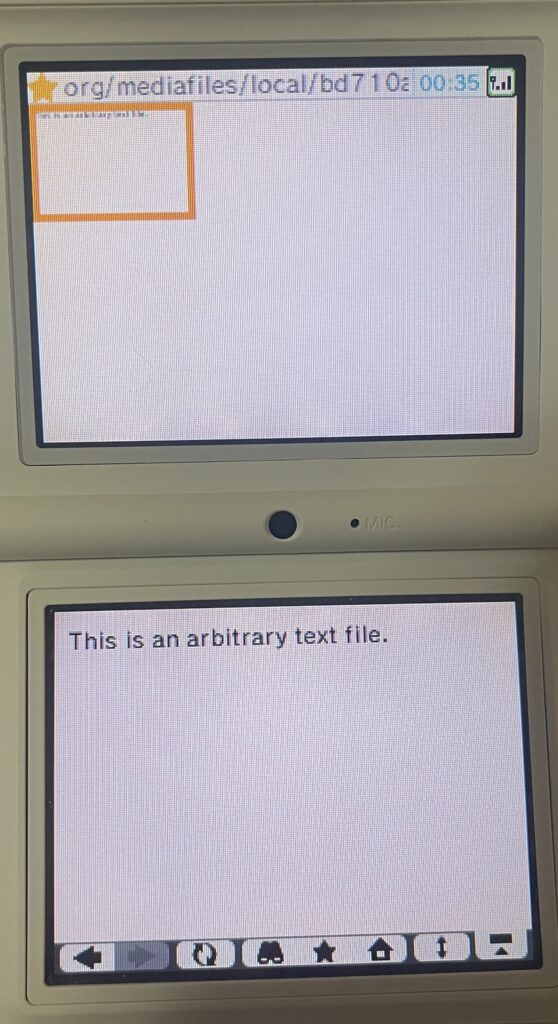
.txt files also work as you would expect.
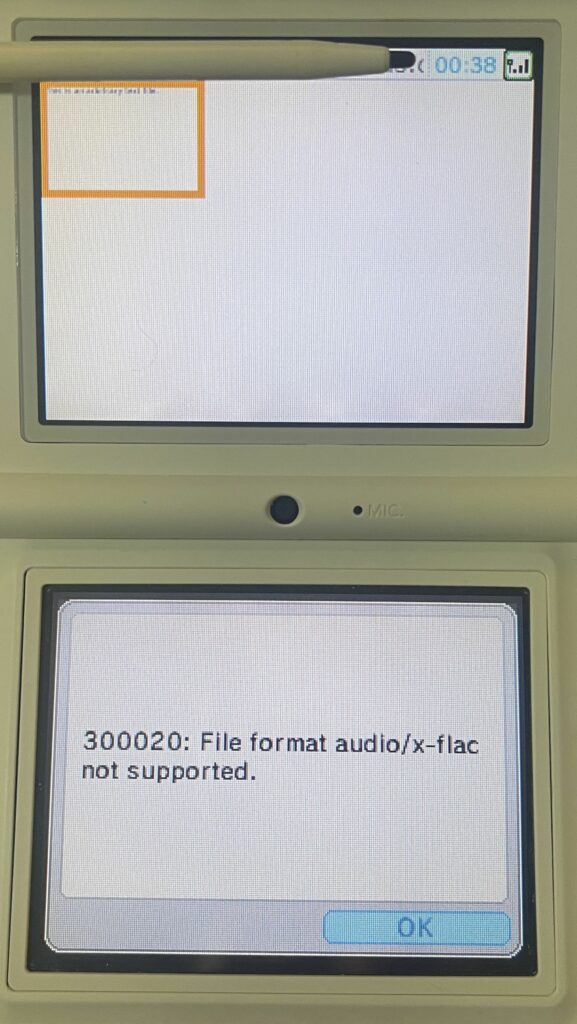
Attempting to load the following formats resulted in a “300020: File format x not supported.” message:
- .avi
- .avif
- .csv
- .flac
- .flv
- .heic
- .mkv
- .mov
- .mp3
- .mp4
- .mpeg
- .tiff
- .wav
- .webm
- .webp
Bootstrap App
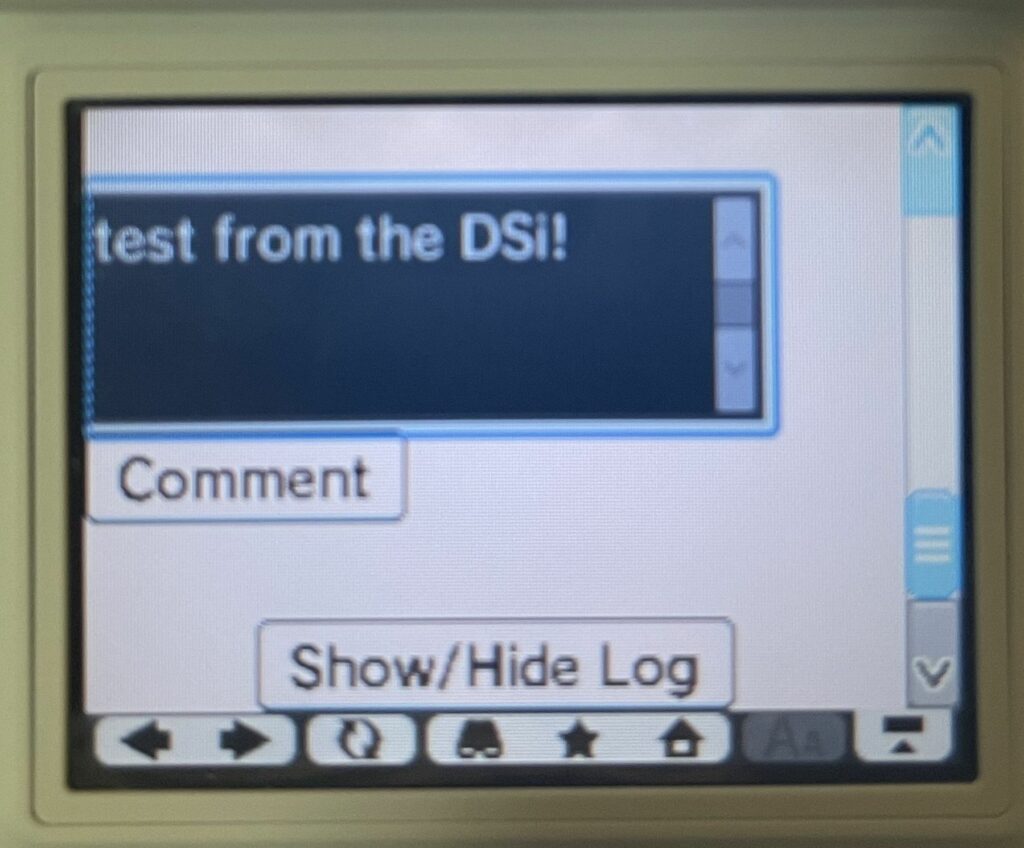
An internal app written in Django with Bootstrap for the UI did not display correctly. The DSi fetched the CSS files, but could not parse it fully. There is some structure in some areas, but most items relying on JavaScript are broken, such as the mobile friendly navbar and button/heading collapses. While it does appear that some of the responsiveness is trying to work, tables are an exception and flow more or less completely off the screen. Basically, some pages kind of work if you go to their path directly, but otherwise you would be stuck.
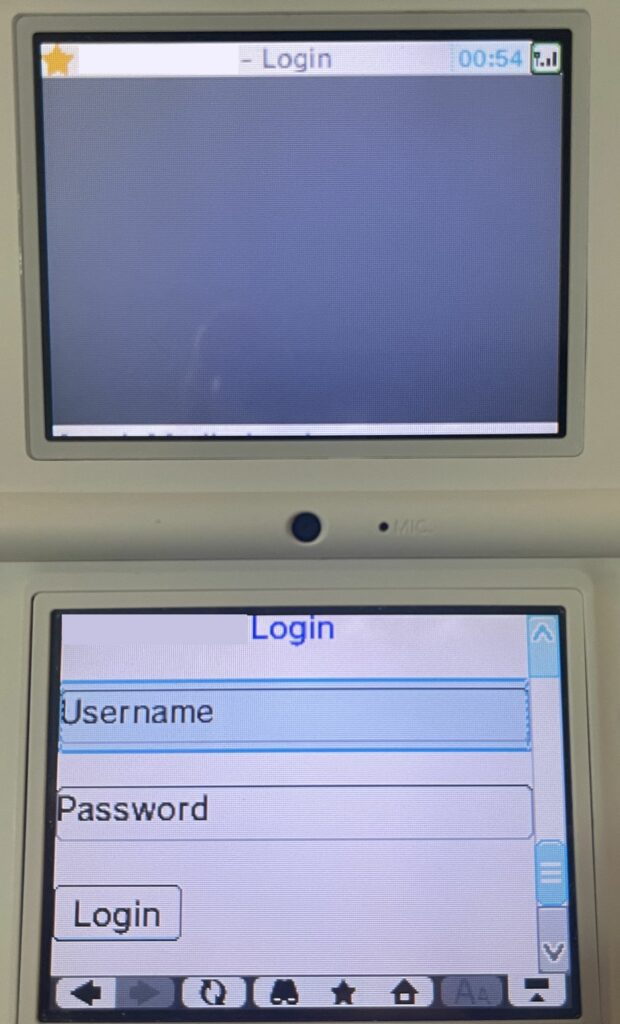
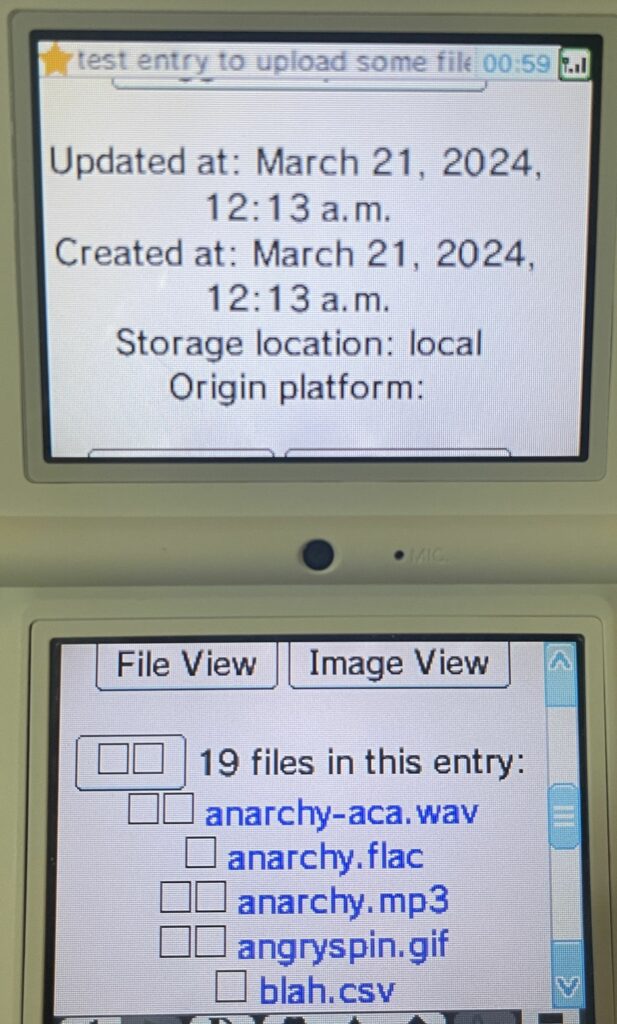
I was able to leave a comment from the DSi, though!

Closing Thoughts
As was pretty much expected, the DSi Browser is essentially useless at this point. The majority of sites do not work at all, even ones such as Wikipedia that are mostly text based and thus still potentially usable. The AO3 is an outlier that mostly stems from the unusual ability to access the site without SNI even though it uses Cloudflare, and the relative backwards compatibility of the UI.
Even if more sites did allow the DSi Browser by supporting TLS 1.0 and not requiring SNI, it would be an exercise in futility in most cases since basic UI frameworks like Bootstrap are broken. More complex sites have no chance of rendering properly, that is, if they don’t immediately use up all available memory as is the case with Instagram. The lack of video or audio support in the browser is also quite limiting. GIFs are about all you get, and that’s sad 🙁
Using the browser is also pretty meh. Unsurprisingly, it is quite slow, probably even by 2000s standards. At times it feels like a classic 56k connection. Other times it feels a little snappier. This is probably in part due to the browser being unable to cache anything due to limited memory (confirmed via the web server logs), and well… the slow ARM CPU.
At the end of the day, the DSi Browser is more or less dead. Unless you want to read some unencrypted fic. 😉
Leave a Reply